Saving links
Save from wherever you are reading. Every way ends in the same place: a card on your dashboard.
Share sheet (Android)
With ShareMe installed, tap Share in Chrome, YouTube, X or any other app and pick ShareMe. That is the fastest way to save.
Paste to save
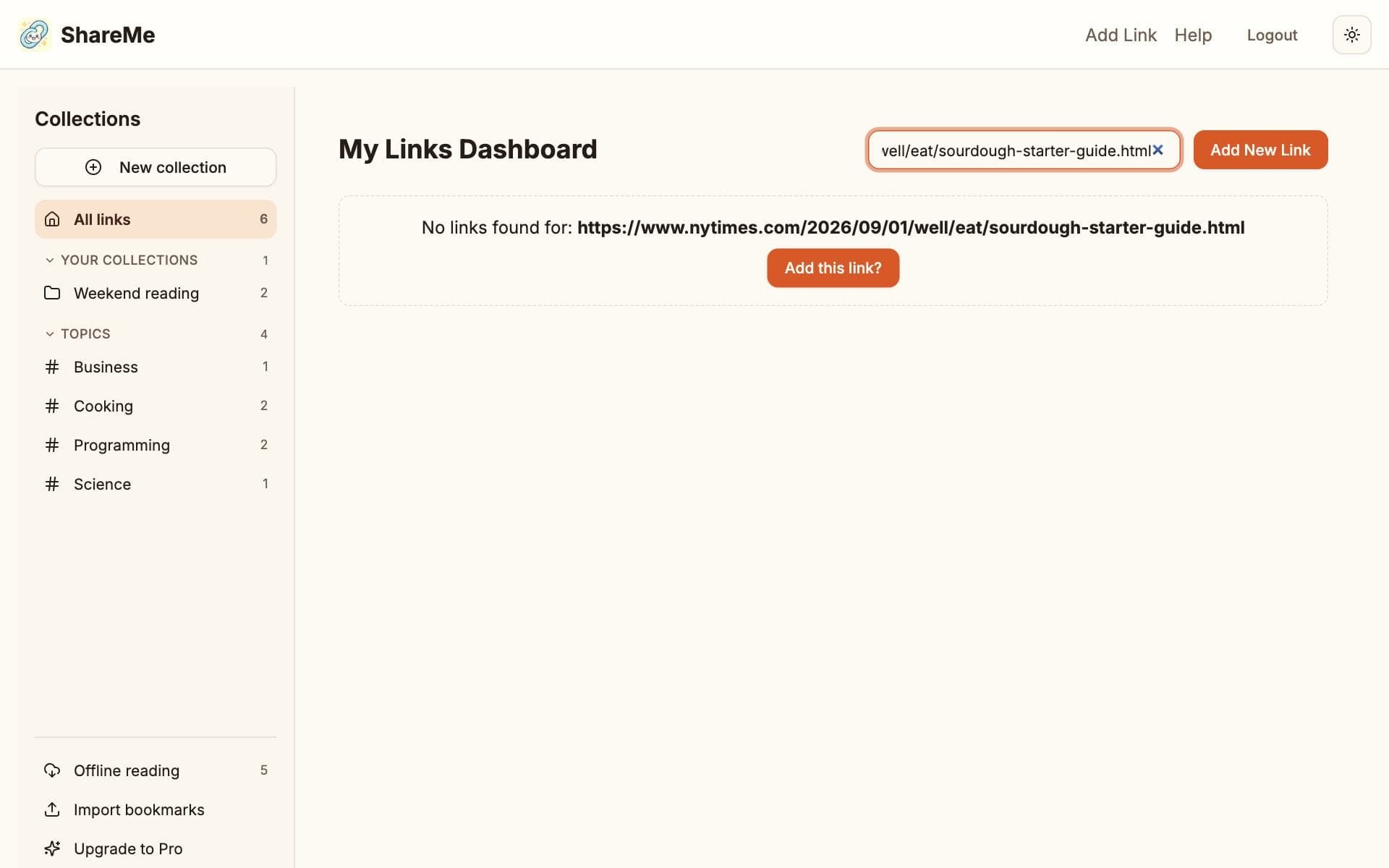
Paste a web address into the search box on the dashboard. If you have not saved it yet, ShareMe offers to add it. This works on every device and is the usual way on iPhone: copy the link, open ShareMe, paste.
The Add link page
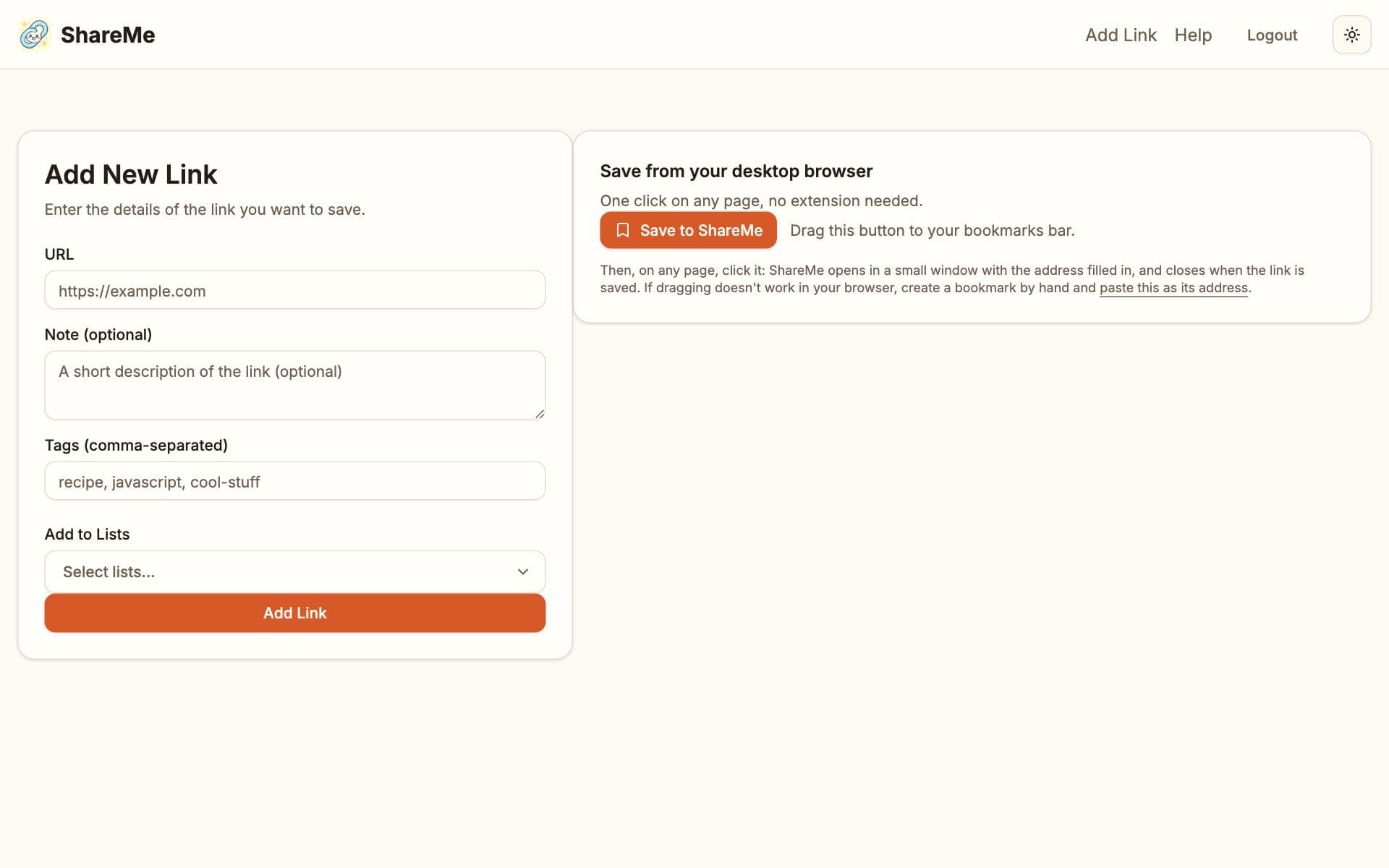
Add link takes the address plus, if you like, a note, your own tags and the collections to file it into. The page also holds the bookmarklet for desktop browsers.
One click from a computer
- Open Add link and drag the Save to ShareMe button to your browser's bookmarks bar.
- On any page, click it. ShareMe opens in a small window with the address filled in.
- Add a note or tags if you want, save, and the window closes by itself.
If dragging does not work in your browser, create a bookmark by hand and paste the address the page shows you.
iPhone: a Shortcut for the share sheet
Websites cannot join the iPhone share sheet, but a Shortcut can. In the Shortcuts app, create a shortcut with a URL Encode action followed by Open URLs pointing at https://share-me.app/add?url= plus the encoded input, then turn on Show in Share Sheet in its details. Sharing a page to that shortcut opens ShareMe with the address filled in.
What happens after you save
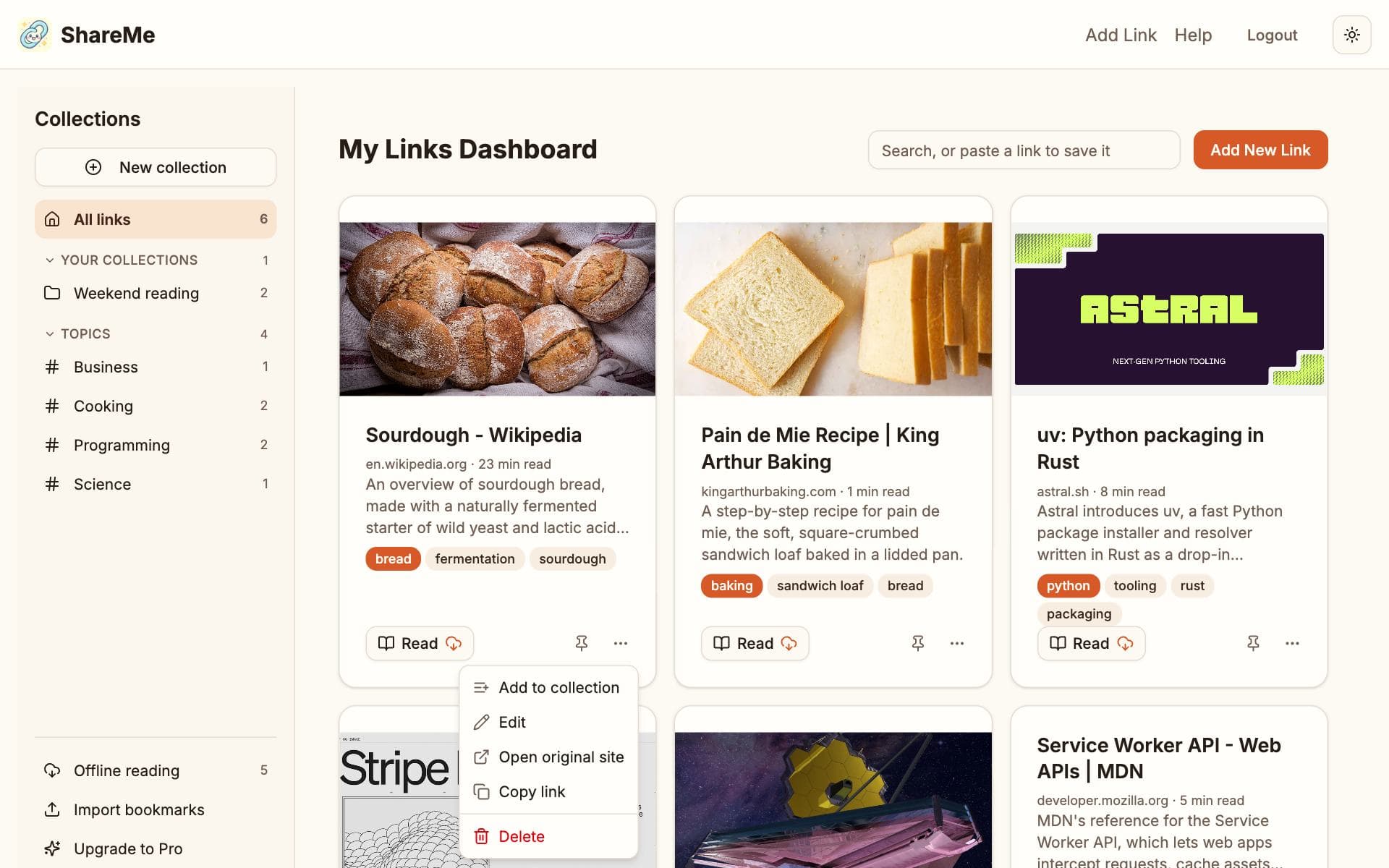
ShareMe fetches the page for its title and picture, captures a readable copy of the article, and has the AI read it: two to four tags, a one-sentence summary and a category. The link is then filed into collections. The card shows Analyzing while this runs, usually well under a minute.
If the page could not be read, the card keeps its title and picture and says so. Capture article on the card tries again.
Your tags and the AI's
Tags you type are yours and never change on their own. The AI's tags are the muted ones on a card, and they are replaced whenever the analysis runs again. Edit on a card changes your note and your tags.
Limits on Free
Free keeps up to 150 links and files up to 100 of them a month with the AI. Past the monthly allowance, links still save with their title and picture, and the card says smart filing was skipped. Pro removes both limits.