Save it now. Read it anywhere.
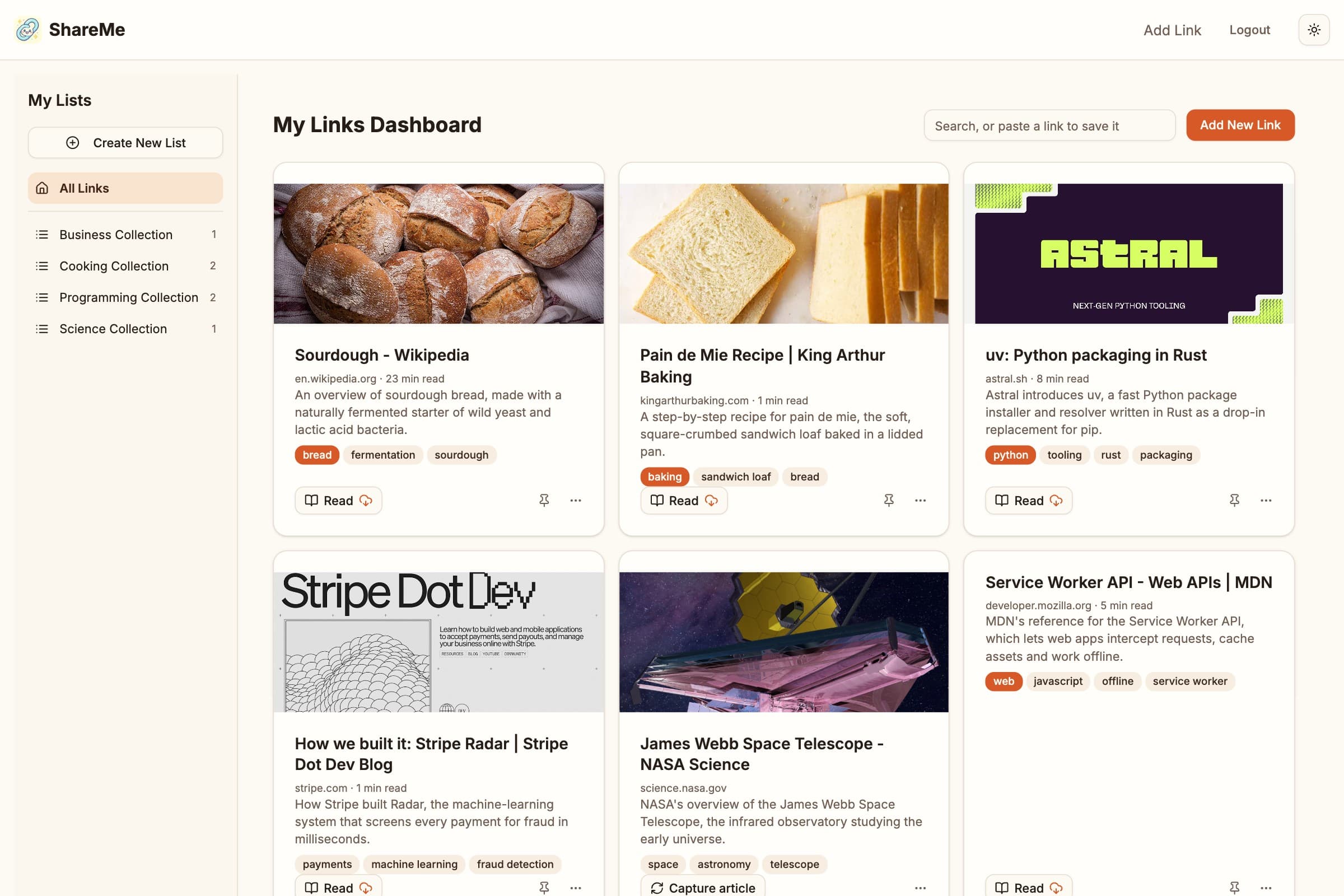
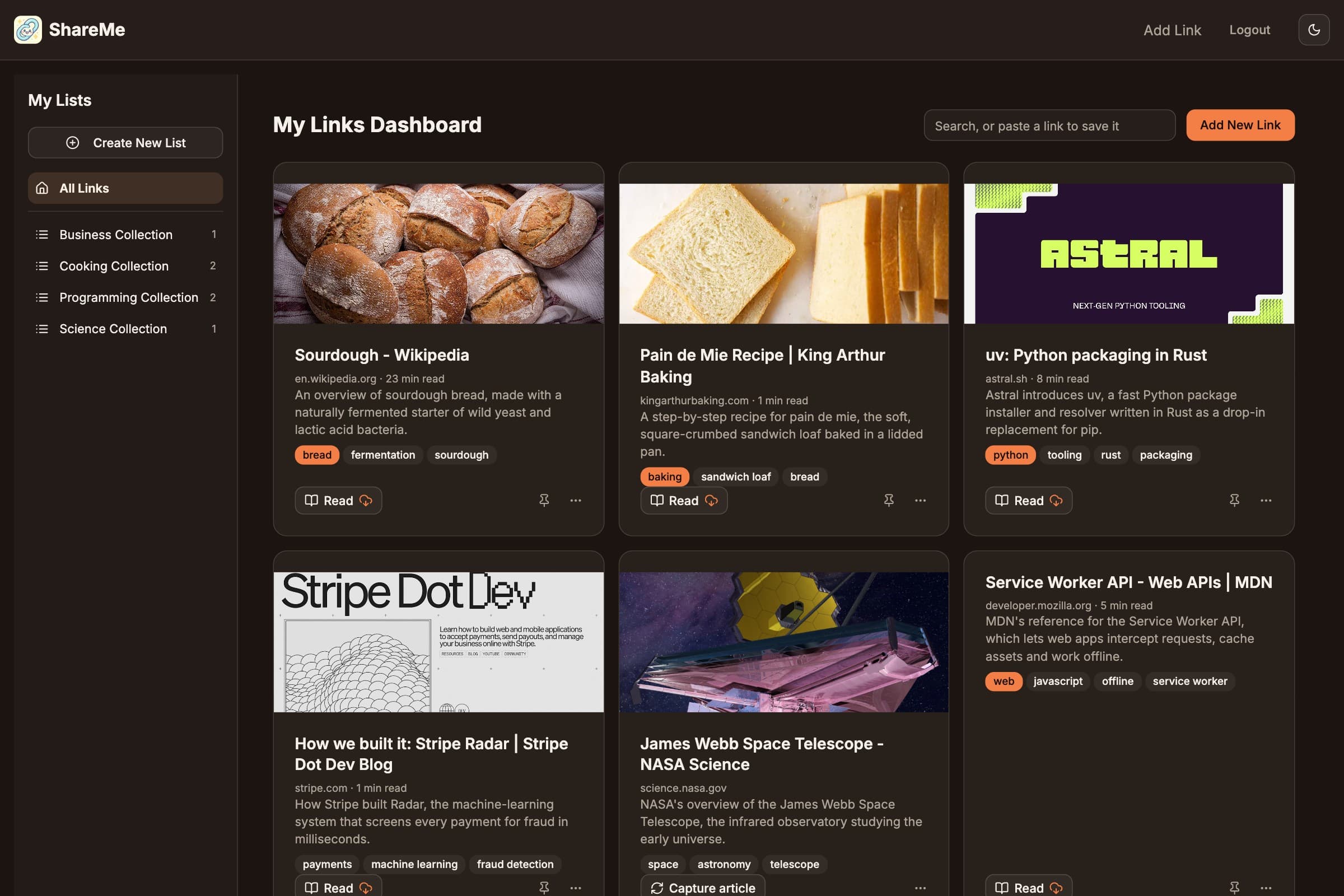
ShareMe keeps every link you save, tags and files it for you with AI, and keeps the articles on your phone for reading without a connection.
What you get
Save from anywhere
Share from any app on Android, paste a link on your phone or desktop, or click the Save to ShareMe button in your computer's bookmarks bar.
Bring your bookmarks
Import your browser bookmarks, a Pocket export, or Instapaper and Raindrop files. Folders become collections.
Filed for you
AI reads each page, adds a few useful tags, writes a one-line summary, and drops the link into collections like Programming or Cooking.
Read it clean
Every article is captured as a reader view: no ads, no clutter, with a reading time. Search finds words inside it, too.
Take it offline
Your newest articles stay on your phone: ten on Free, unlimited on Pro. Pin the ones you never want to lose.
Share a collection
Send anyone a private link to a collection, or add ShareMe members as viewers or contributors. Your links stay yours.
How it works
- 1
Save
Share or paste a link, or import the bookmarks you already have. It takes a second.
- 2
Filed
ShareMe fetches the page, tags it, summarizes it, and drops it into the right collection.
- 3
Read anywhere
Open the clean reader on any device, online or off.
Install it on your phone
Two taps, no app store. Once installed, ShareMe opens full screen and, on Android, shows up in the share sheet of every app.
Android (Chrome/Brave)
- Open this site in Chrome or Brave.
- Tap the three-dot menu.
- Select Install app or Add to Home screen.
Once installed, ShareMe appears in the share sheet of every app: tap Share, pick ShareMe, done.
iOS (Safari)
- Open this site in Safari.
- Tap the Share icon.
- Select Add to Home Screen.
To save from another app, copy the link, open ShareMe and paste it into the search box. iPhones don't let websites join the share sheet, but a Shortcut can: in the Shortcuts app, add a URL Encode action followed by Open URLs pointing at https://share-me.app/add?url= plus the encoded input, then turn on Show in Share Sheet.
On a computer
Sign in, open Add link, and drag the Save to ShareMe button to your bookmarks bar. From then on, one click saves the page you are on, in any browser, with no extension to install.
Pricing
Free covers the everyday. Pro is $5 a month, $40 a year, or $79 once for founding members, and you can upgrade from inside the app whenever you are ready.
| Free | Pro | |
|---|---|---|
| Saved links | 150 | Unlimited |
| Smart filing and summaries | 100 a month | Unlimited |
| Reader view, collections, search | ✓ | ✓ |
| Import bookmarks, Pocket, Instapaper | ✓ | ✓ |
| Articles kept offline | 10 | Unlimited |
| Shared collections | 3 | Unlimited |
| People per shared collection | 5 | 50 |
| Re-capture all articles | – | ✓ |
| New features first | – | ✓ |
Coming next
Browser extension
One click to save the page you are on. Until then, the bookmarklet does the same job.
It will show up in the app when it lands. Nothing extra to sign up for.