Reading and search
ShareMe keeps a clean copy of the article behind each link, so reading it later does not depend on the page still being there.
The reader view
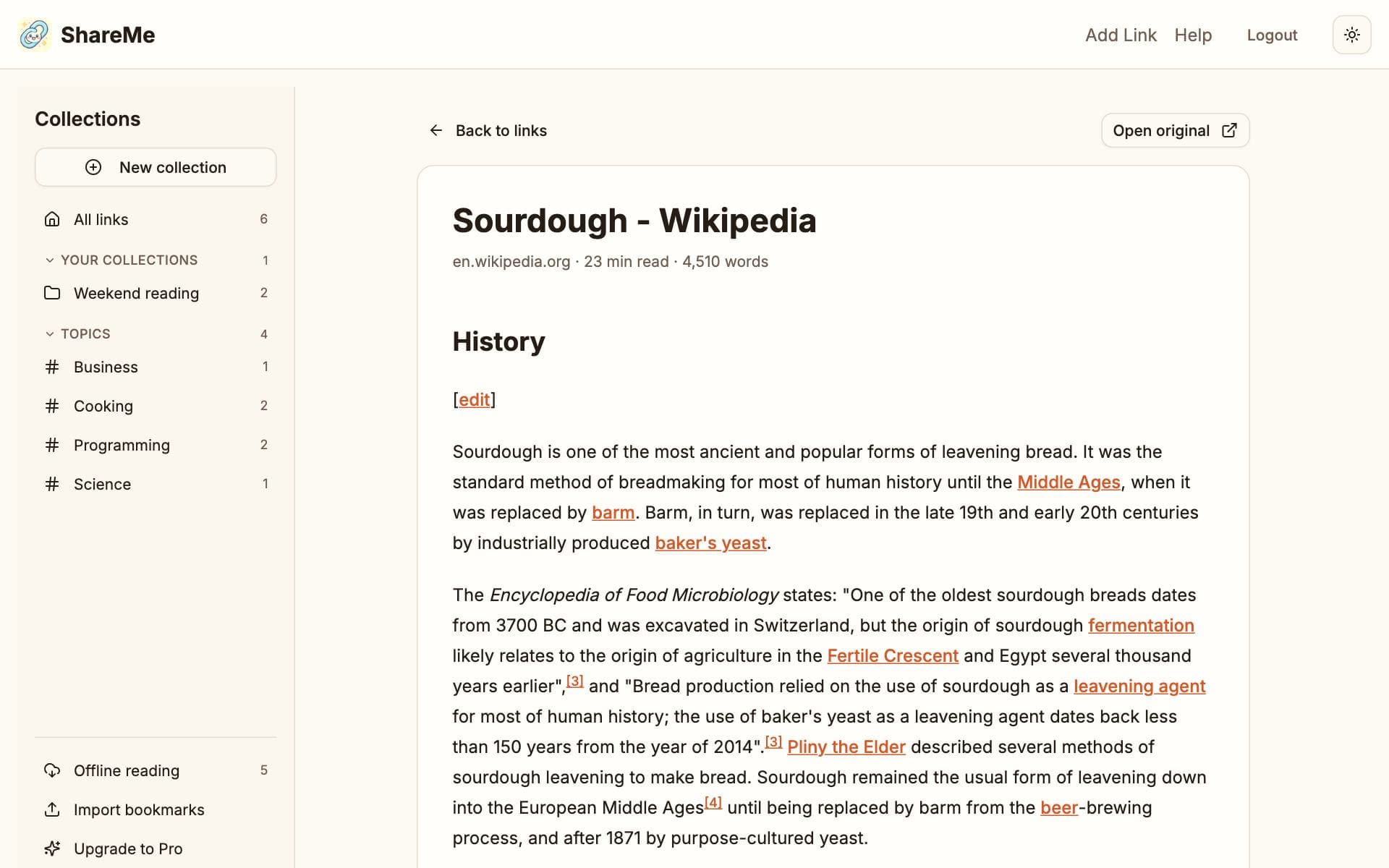
Tap a card's picture or title, or its Read button, and the article opens as plain text with its pictures: no ads, no pop-ups, no cookie banners, with the reading time shown on the card. The original site is always one tap away in the card's menu, and when no article could be captured, the card opens the site instead.
When a page would not read
Some pages block the first attempt: heavy scripts, sign-in walls, sites that only render in a browser. A card without an article shows Capture article, which fetches the page again. If the link already has a summary, nothing is sent to the AI a second time, so this never spends your monthly allowance.
Search
The search box on the dashboard looks through titles, addresses, your notes, summaries, tags, and the text of the captured articles, so a phrase you remember from inside an article finds it. Paste an address instead of a word and the box turns into a save prompt.